 Roly-Poly Panda· Press kit
English
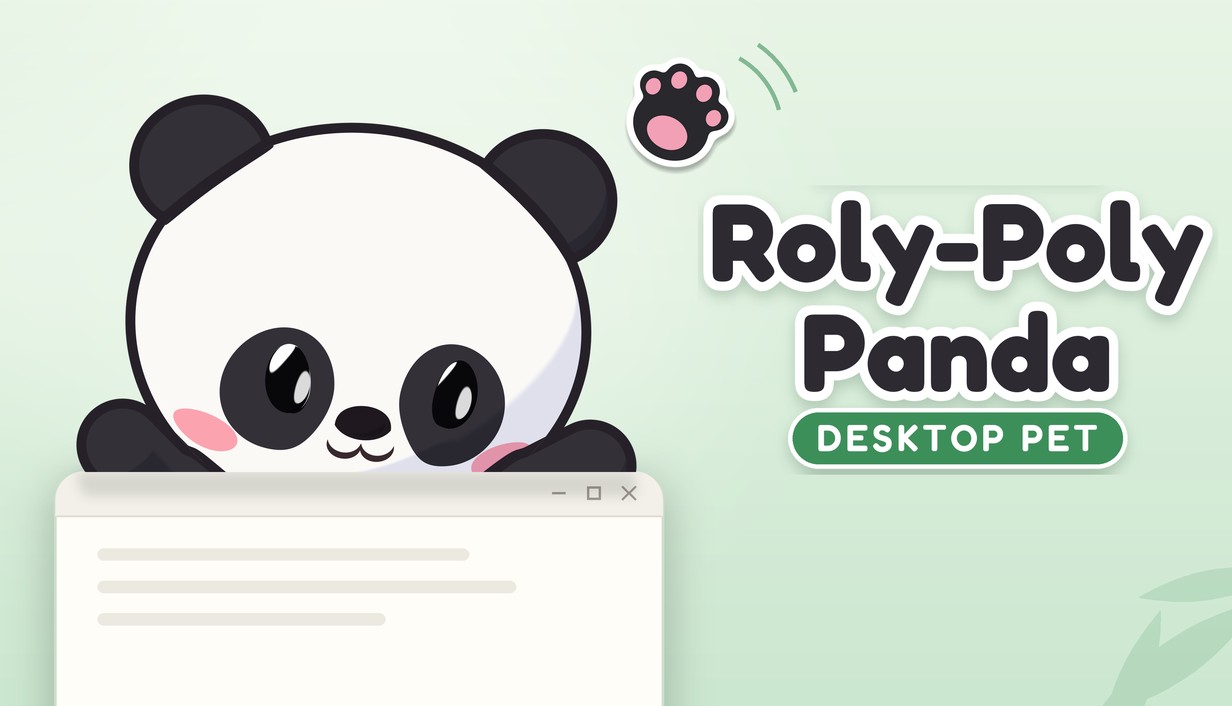
Roly-Poly Panda: Desktop Pet
A little panda on your desktop. Play with it, or let it keep itself busy.
Trailer
Download: English (30 MB) · 简体中文 (30 MB) · 繁體中文 (30 MB)
Trailer music: “Happy Beat” by burabotti (CC0). The game itself has no background music.
Clips
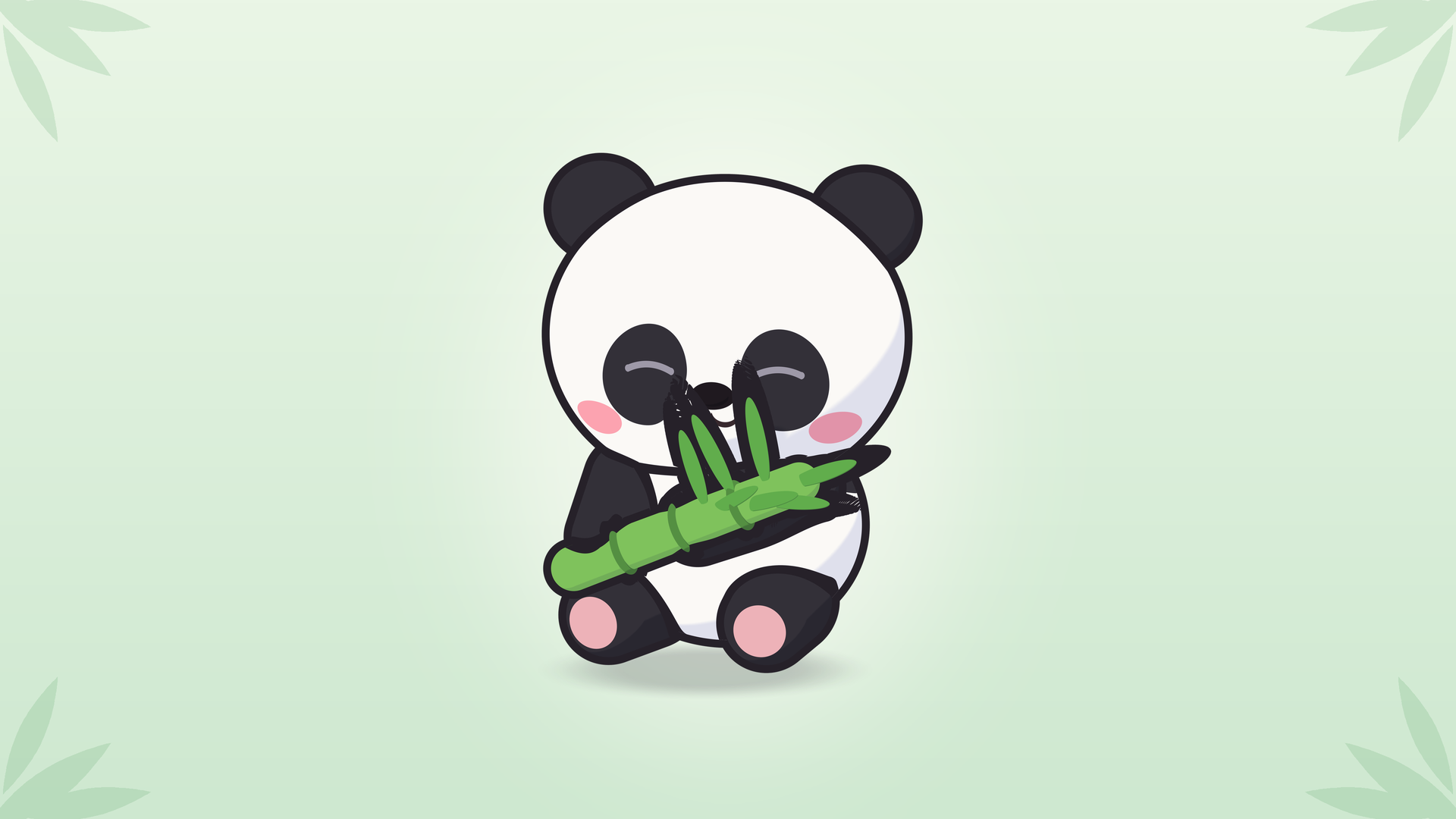
A desktop pet panda who lives on your screen. Pat it, squish it, pick it up and toss it, or offer bamboo and watch it react. While you work, it munches, naps, climbs windows, and peeks in from the screen edge, quietly keeping you company.
Fact sheet
| Developer | windvix (solo developer, self-published) |
|---|---|
| Platform | Windows, on Steam |
| Release | 2027 |
| Free demo | Available on Steam, no time limit |
| Languages | English · 简体中文 · 繁體中文 · 日本語 · 한국어 · Deutsch · Español (España) · Français · Português (Brasil) · Русский |
| Steam | store.steampowered.com/app/5369580/ |
| Demo | store.steampowered.com/app/5369640/ |
| Developer page | store.steampowered.com/developer/windvix |
| Contact | windvix@foxmail.com |
About the free demo
In this free demo, your panda learns the same everyday tricks during its first seven companionship days as it does in the full game. A date counts as one companionship day once the panda has been running for a total of 30 minutes that day.
- What can I do? You can pat it, squish its belly, pick it up and toss it, feed it, play ball, and watch it climb windows. The diary, outfits, and all settings are included too.
- Can I keep playing after seven companionship days? Yes. There's no time limit. It stops learning further everyday tricks, but keeps everything it's learned and can stay on your desktop. Seasonal and holiday activities still appear according to the calendar.
- What does the full game add? More everyday tricks to learn after the seventh companionship day, plus Steam achievements and Steam Cloud saves.
- Can I carry over my save? Yes. The demo and full game share the same save on the same computer, so you can pick up where you left off. Any tricks your panda missed during the demo will be learned gradually, rather than all at once.
Give it a pat
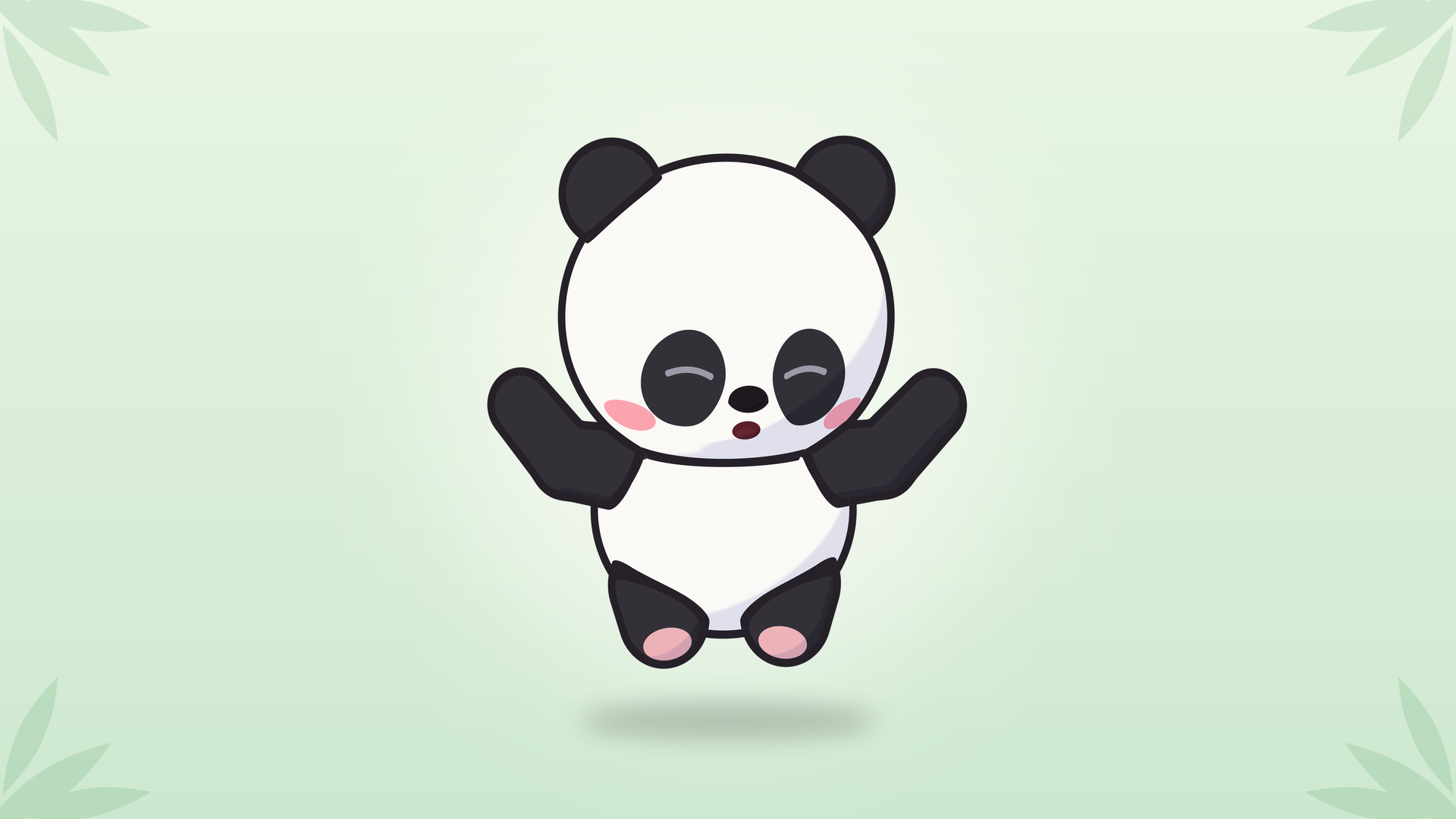
Rub its head and it nuzzles into your hand, eyes closed. Squish its belly and it springs back. Pick it up and its legs kick. Toss it and it curls up, bounces off the screen edge, then sits up dizzy. Belly pokes tickle. Double-click and it hops. Interrupt it anytime.
Windows are for climbing
It clings to window tops. Drag one and it wobbles, then falls. Close it and it tumbles down, startled. Sometimes it hides offscreen and peeks back.
Food and toys
Leaves disappear and bamboo gets shorter with each bite. Wiggle an apple and it trots over to beg. It might steal your ball and roll around hugging it.
While you're busy
It stays quiet while you type and gets sleepy at night, following your computer's clock. A fullscreen game on its monitor makes it hide. Whenever a fullscreen app is open on any monitor, it stays silent.
Seasons and holidays
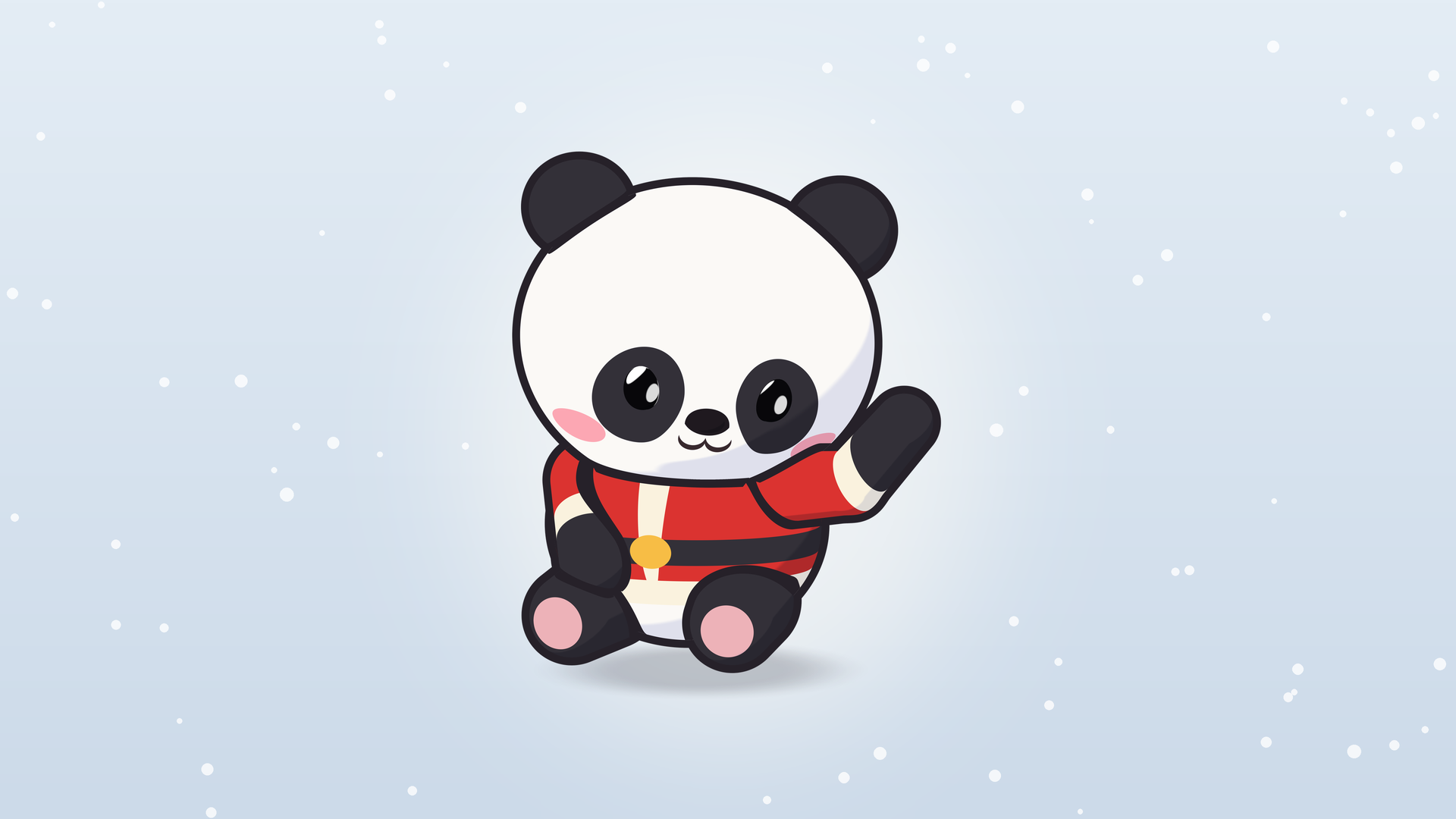
It rolls in snow, hugs ice in summer, and dresses for your computer's regional holidays. Sometimes it wears pajamas or a hoodie.
Learning new tricks
It learns tricks over time and waits until you're around to show you. Its diary keeps track of new tricks and favorite foods.
No chores
Don't worry about feeding it. It won't starve, get sick, or run away. No currency, in-app purchases, or daily check-ins.
A few more things
Screenshots
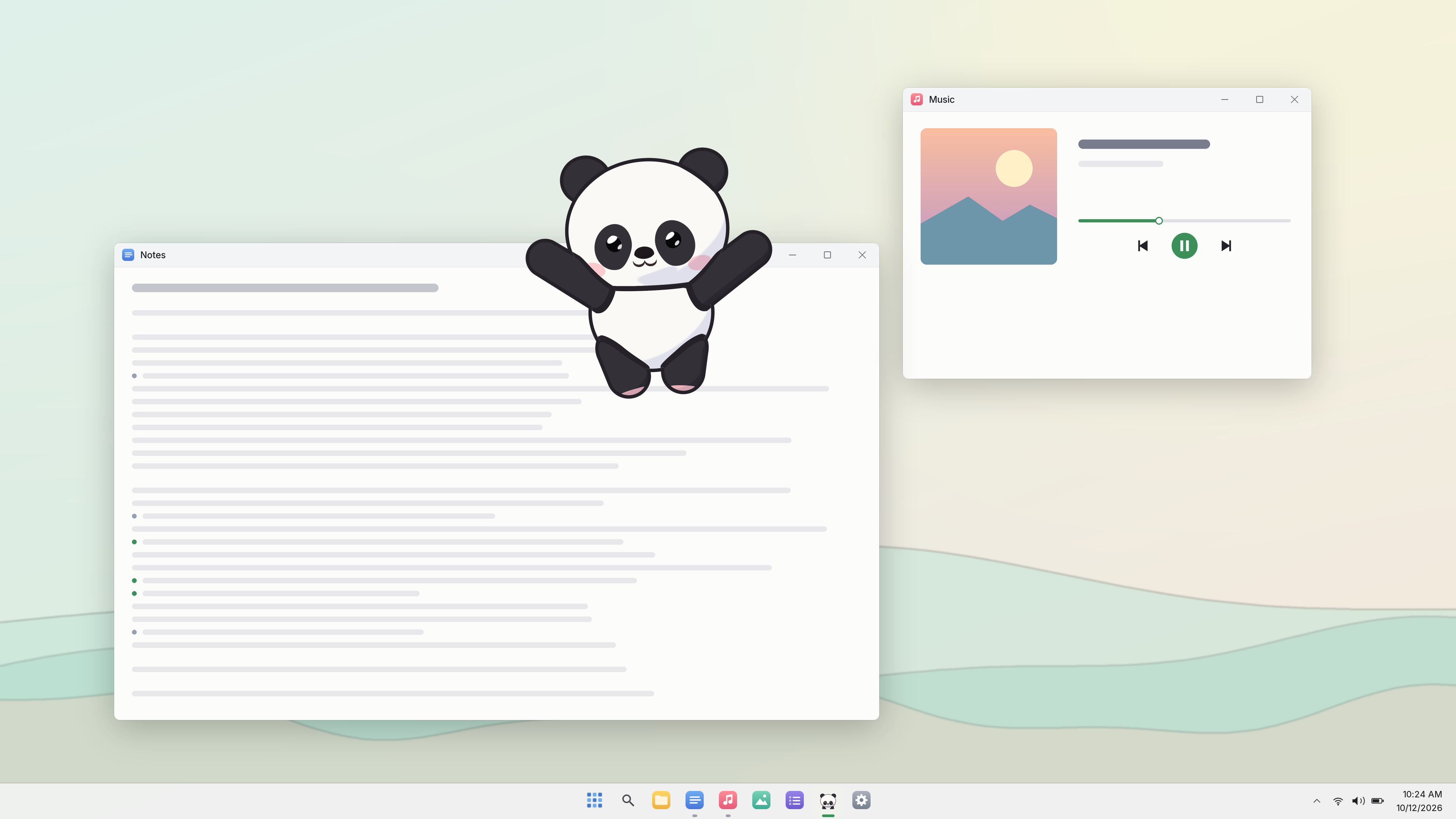
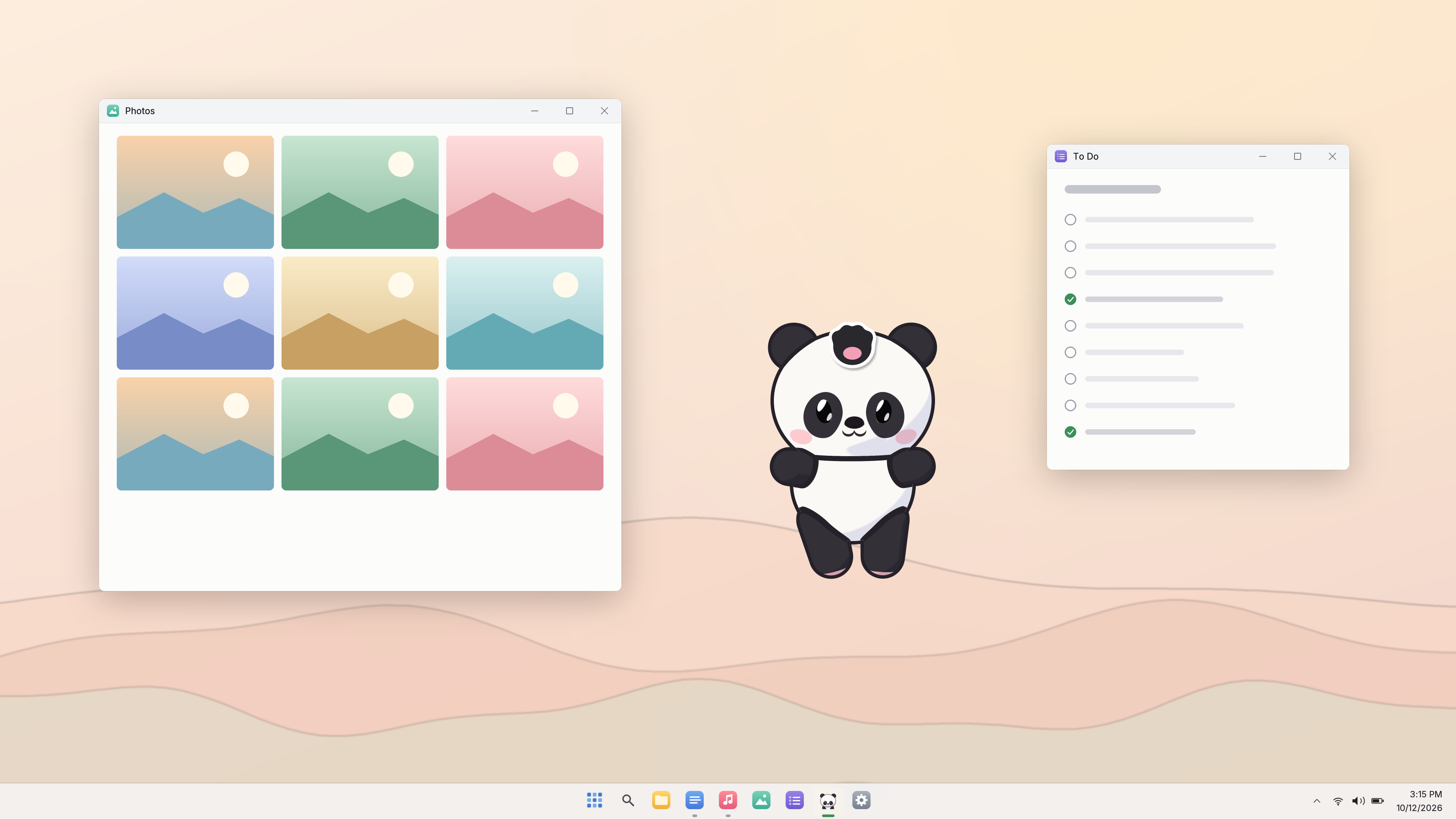
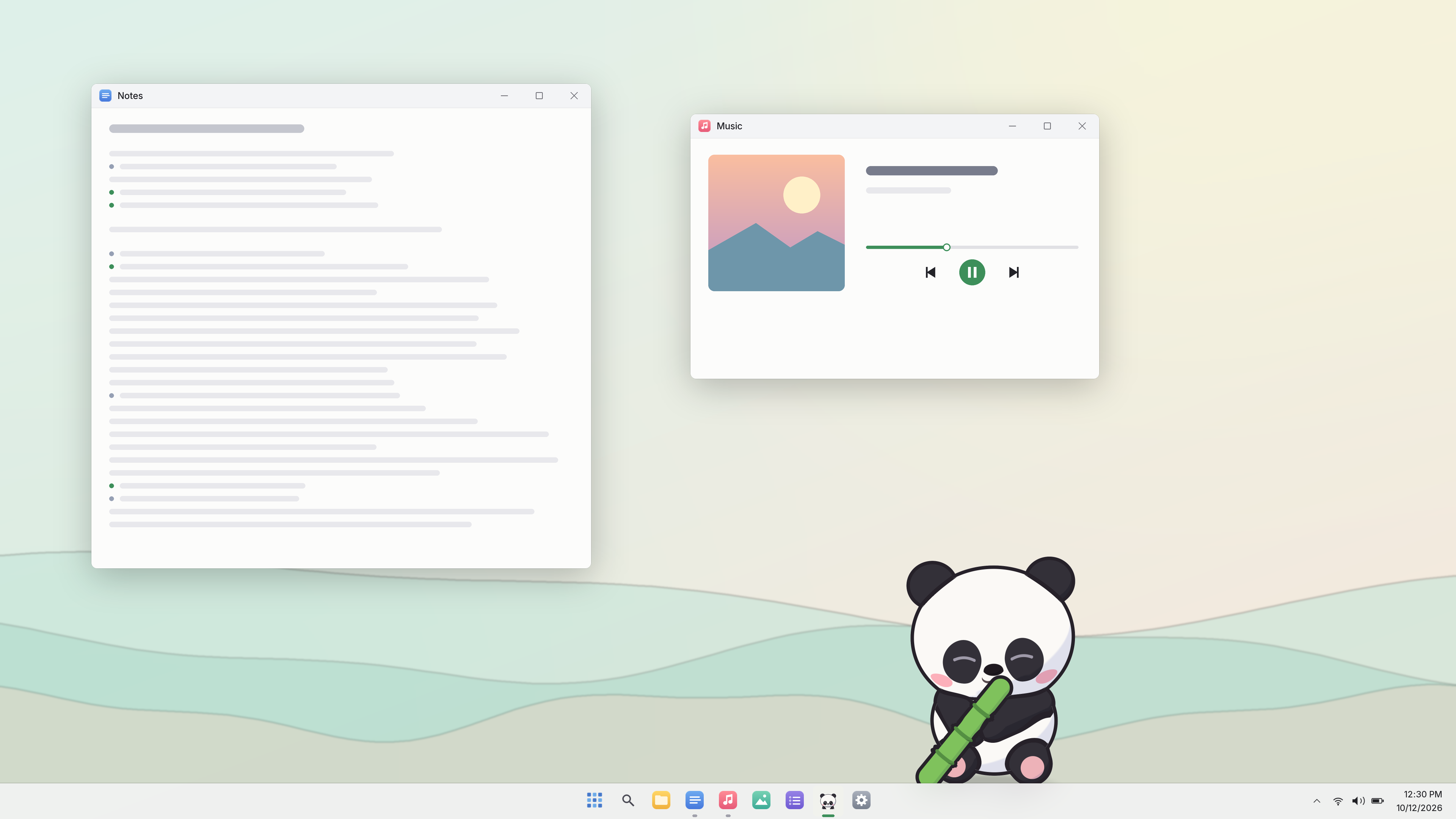
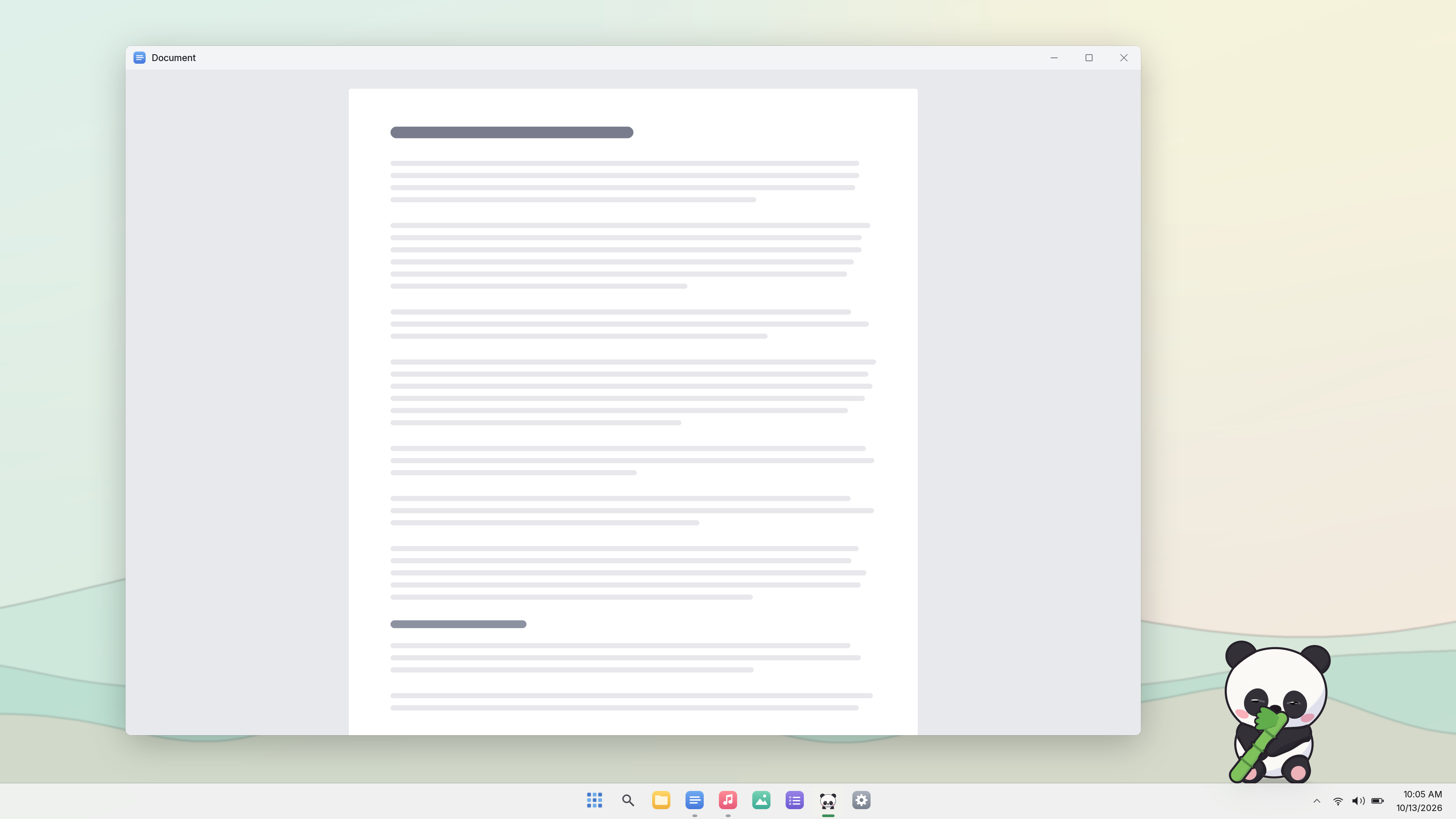
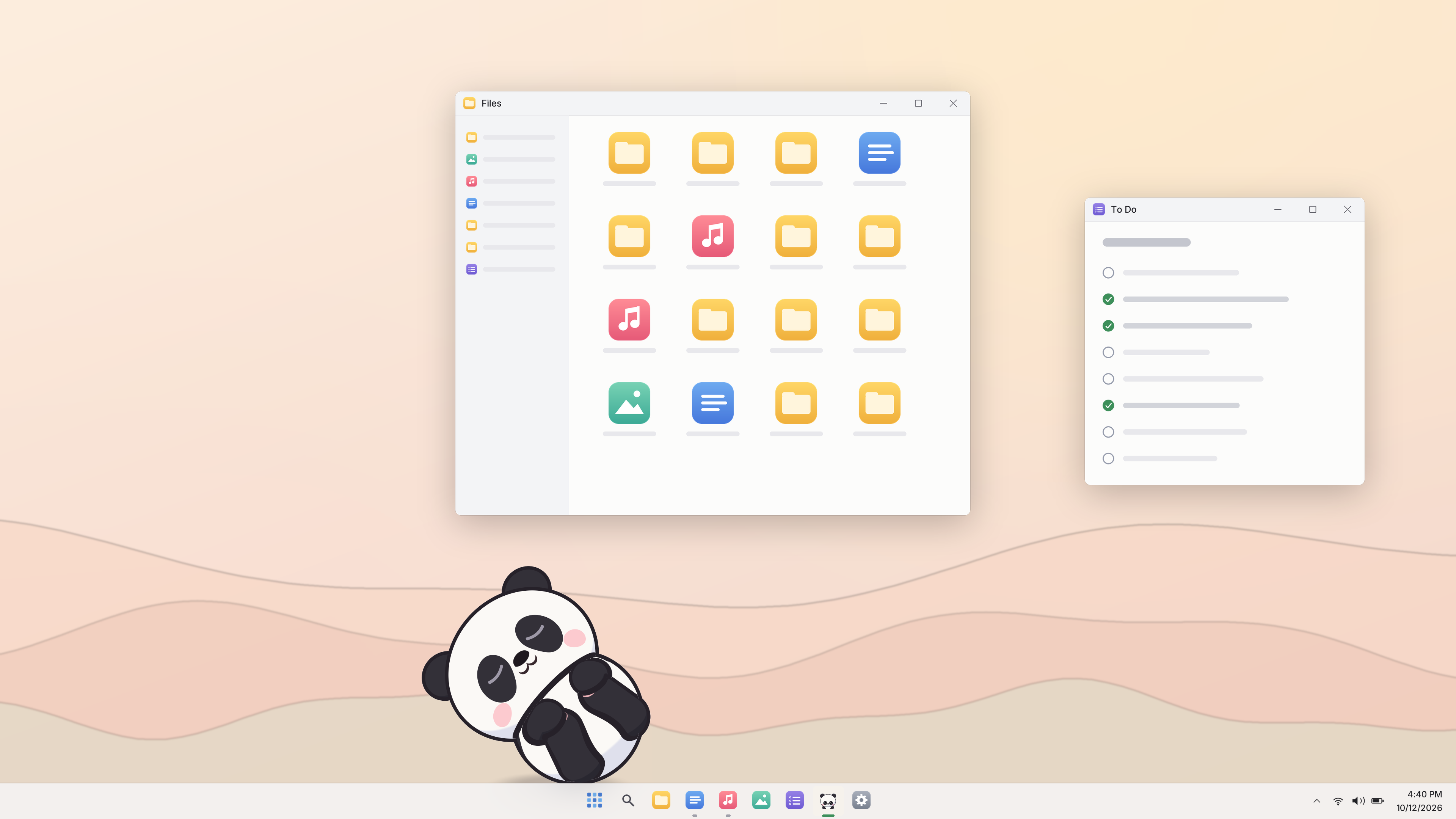
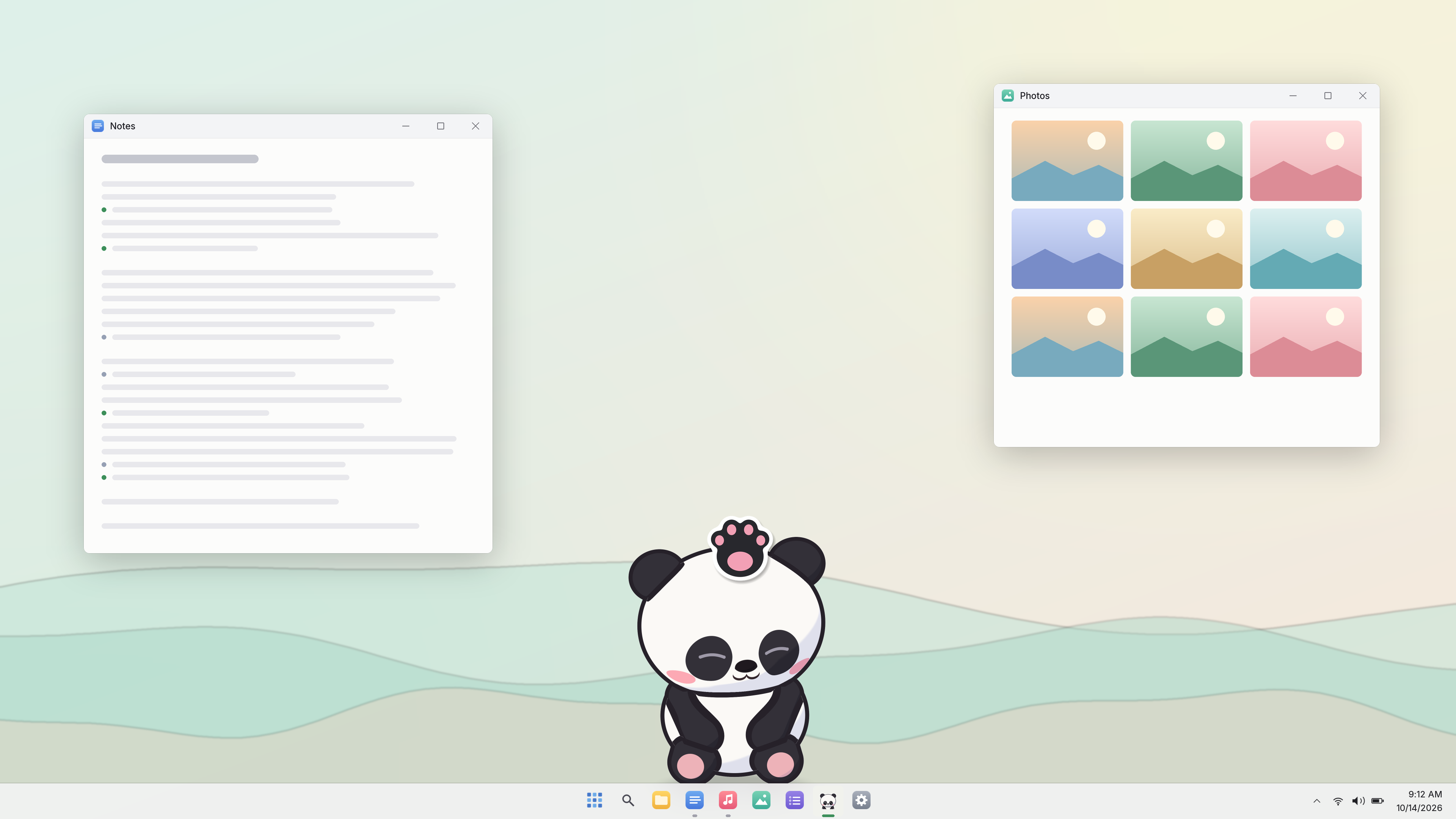
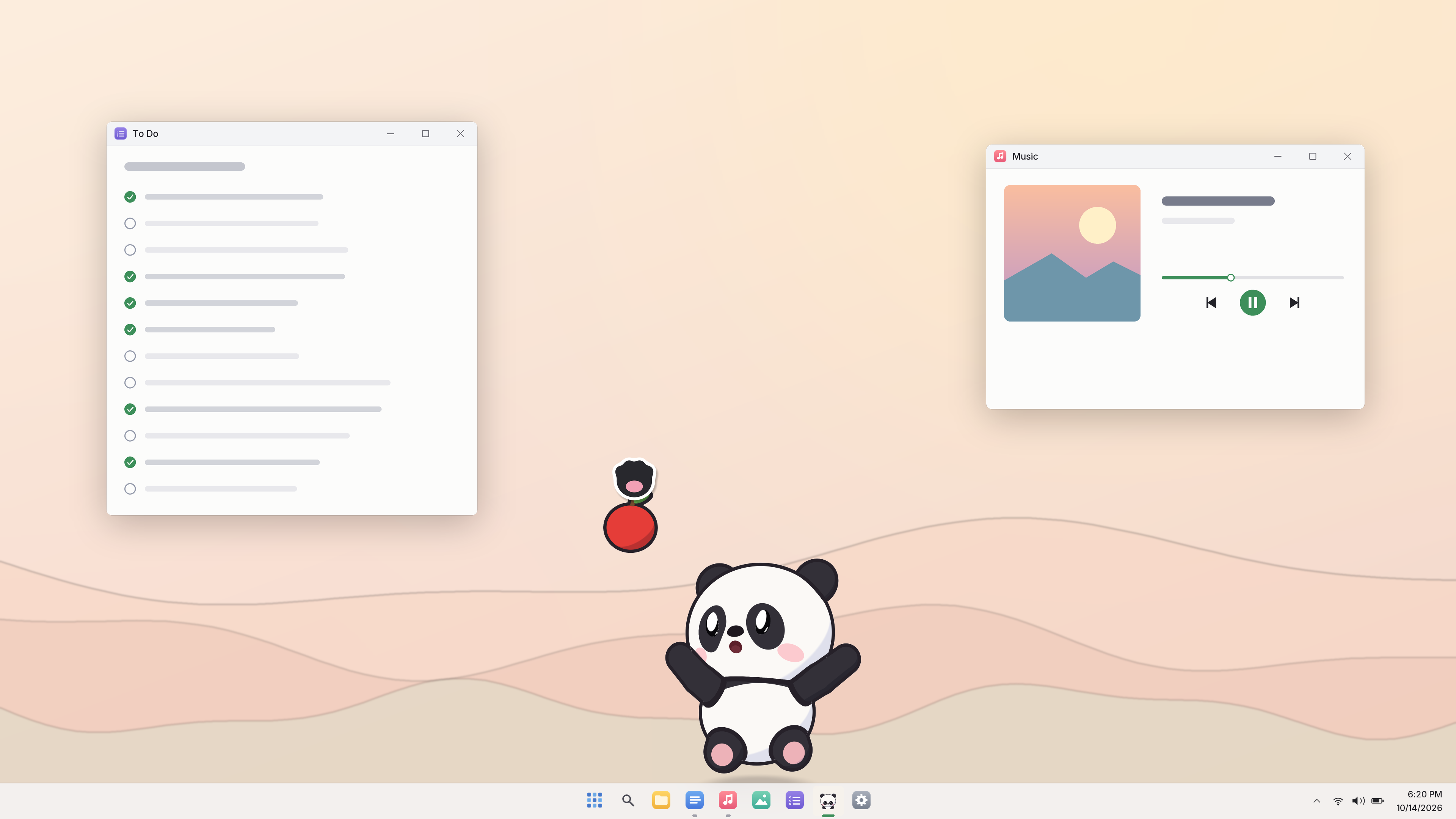
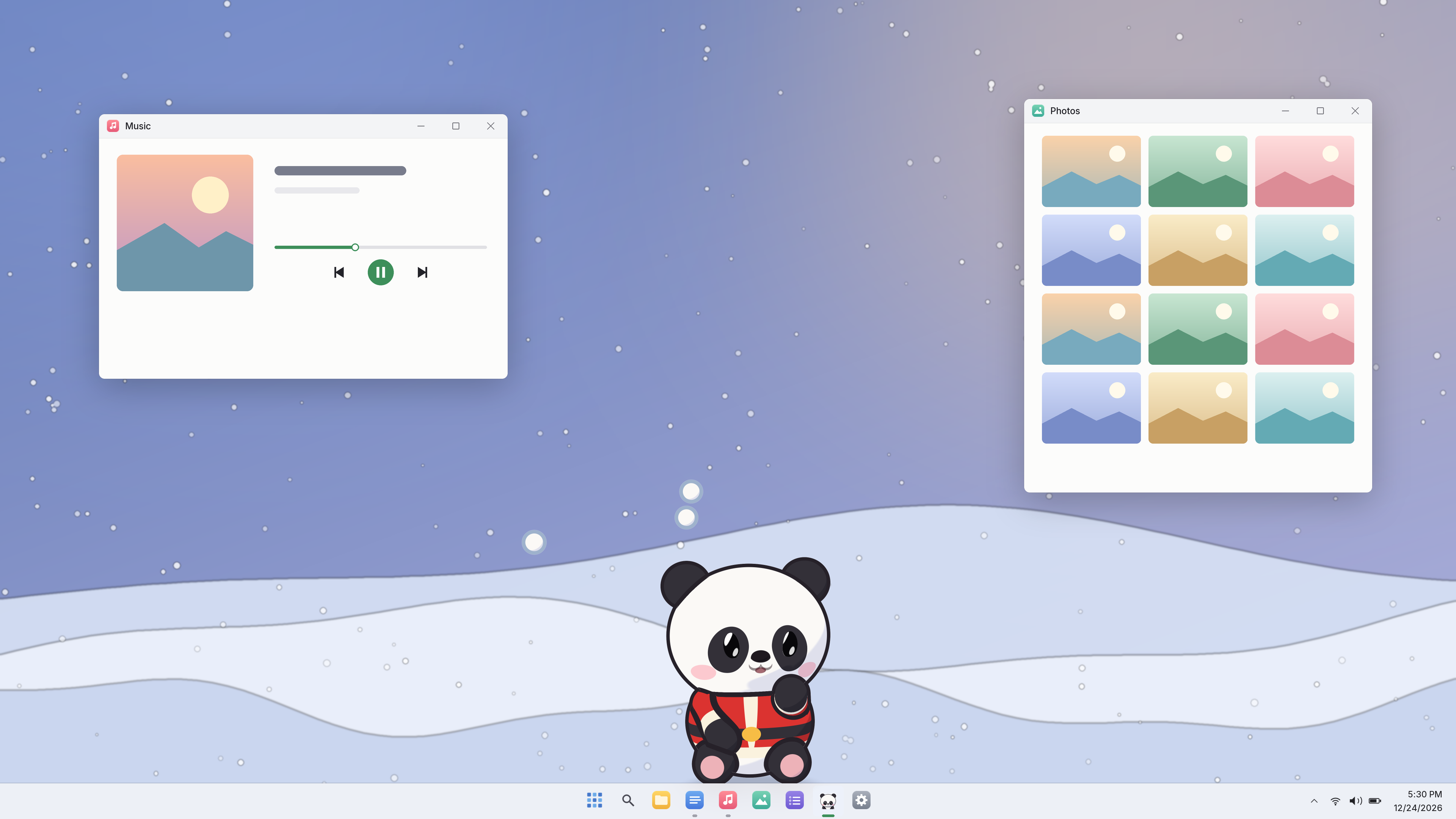
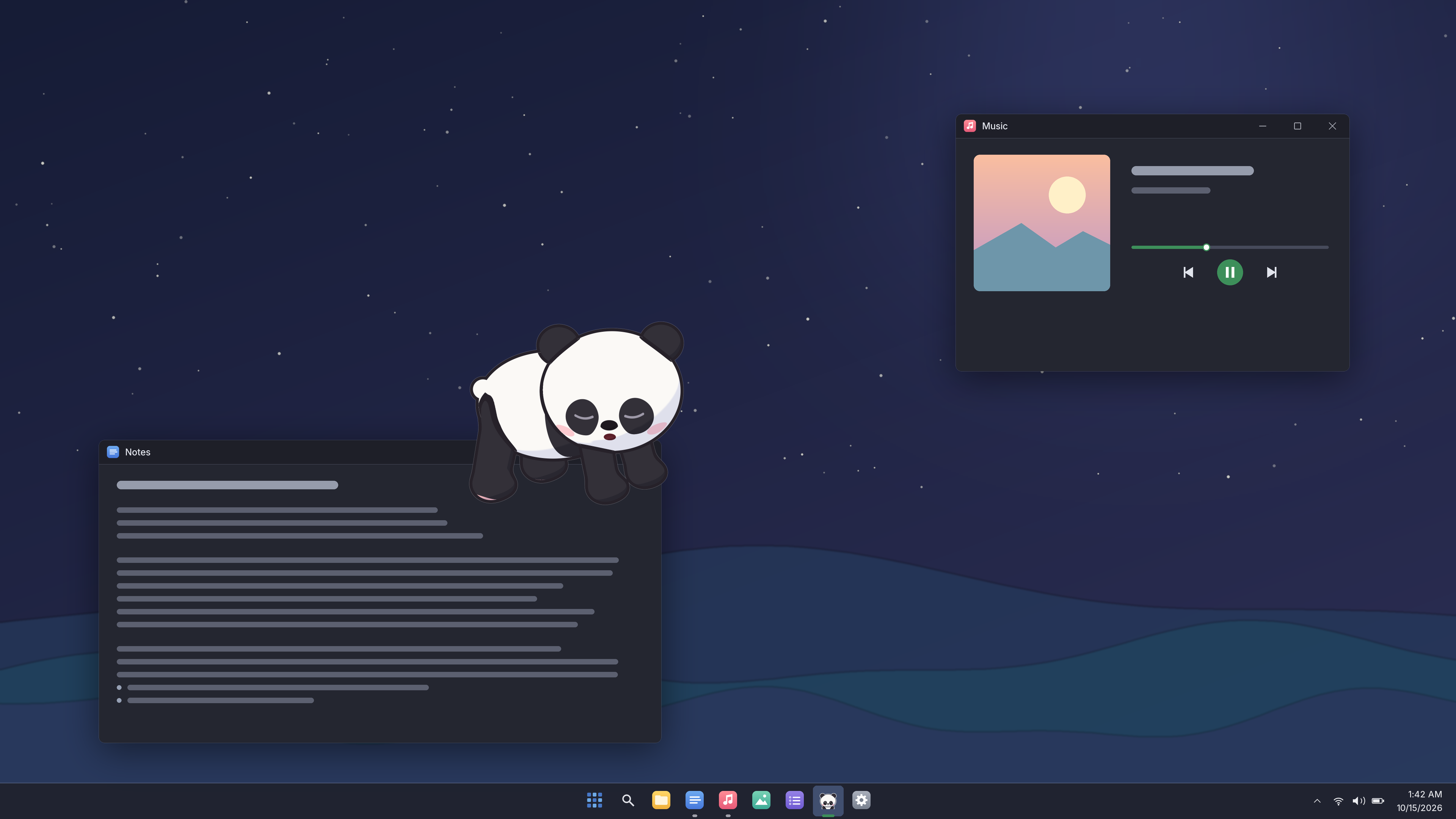
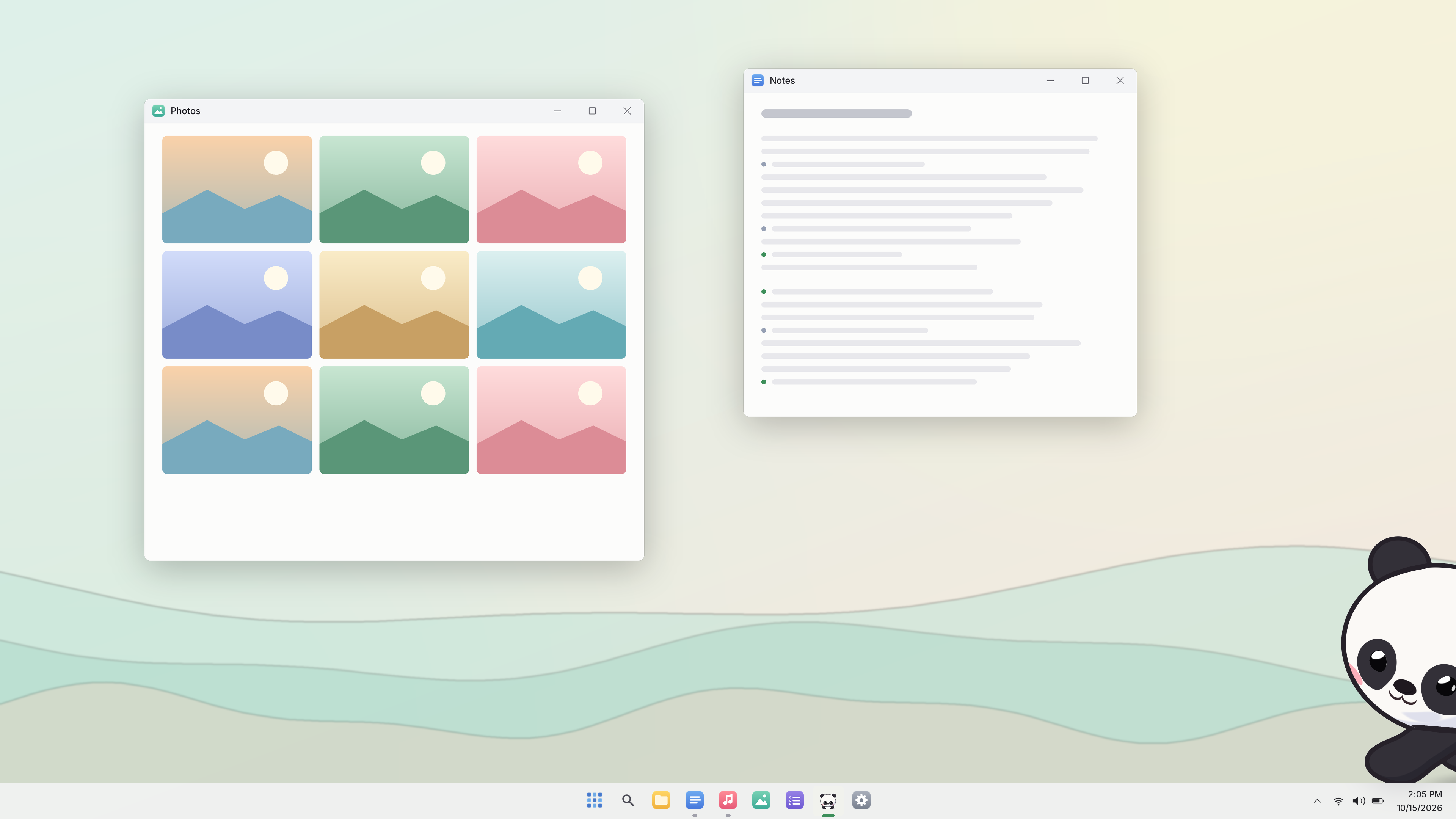
Click for 4K. The asset pack has every screenshot in English, Simplified Chinese and Traditional Chinese.
The panda
 Popping out of a box
 Hanging pose (add your own window edge)
 Waving
 Being patted
 Peekaboo
 Sprawled out asleep
 Waving, three-quarter view
 Hugging its ball
 Holding an apple
 Trotting
 Christmas outfit
 Basin as a hat
Transparent PNGs, about 3000 px. Click to download.
Logos




Transparent PNGs. Store capsules and key art are in the asset pack.
Panda calendar
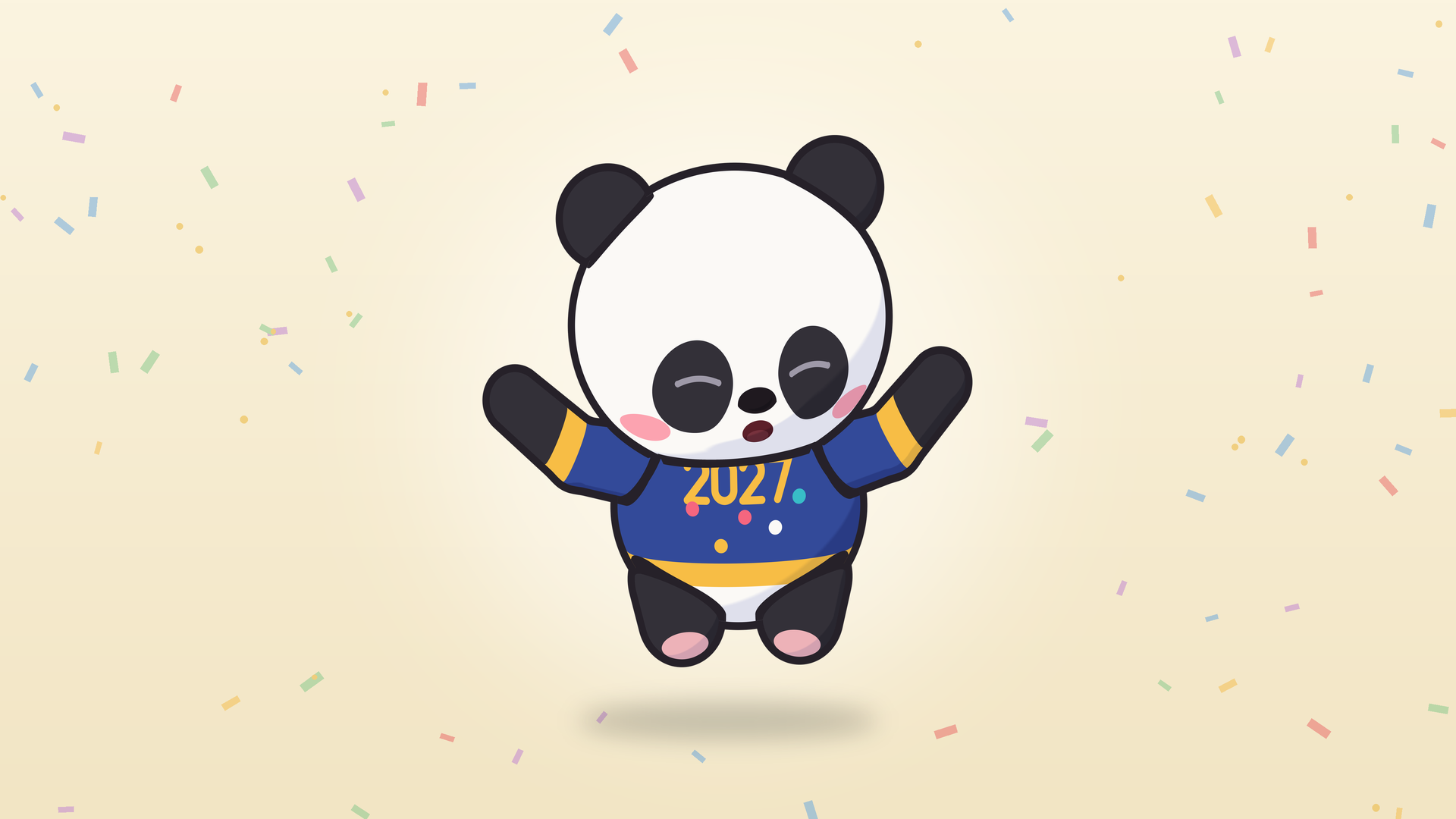
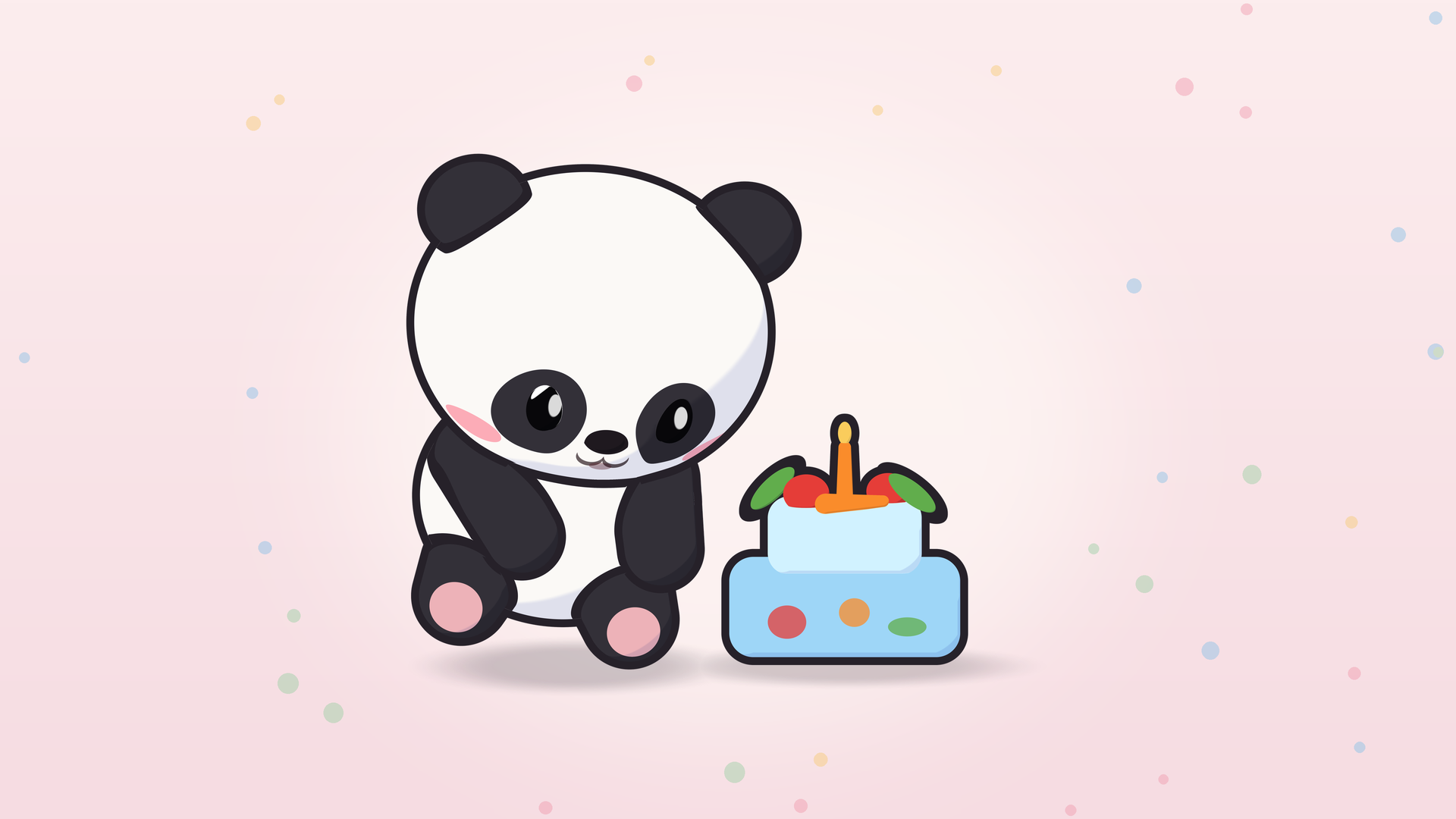
Pictures for days worth a post, with no text on them: International Panda Day (October 27), Christmas, New Year, Lunar New Year and a birthday.







Videos and streams
You're welcome to use these assets in articles, videos and streams, and to monetize them. There's no background music or third-party music in the game, and sound effects can be recorded along with gameplay.
Streams, videos and monetization are all welcome – no need to ask.
- You can record the game audio too: there's no background music or third-party music in the game, and you can include the sound effects in your streams and videos.
- Panda gone quiet? By default, when your mic is in use it assumes you're on a call and stays silent. To hear it on stream: Settings ▸ What it knows ▸ turn off "Check volume and mic use (no audio recording)". Under Settings ▸ Sound, make sure Sound mode allows sound and Volume is above zero. It also stays silent while any monitor is running something fullscreen.
- Putting it on stream: Settings ▸ Size and position ▸ turn on "Streaming mode (show on the taskbar for screen capture)" so your capture software can pick its window. In OBS, use Window Capture with Capture Method set to "Windows 10 (1903 and up)" for a transparent background (BitBlt shows a black box). So far this has been tested on Windows 10 with OBS 31.1.2; other setups haven't been tested yet.
- Panda vanished during a fullscreen game? It hides when an app goes fullscreen on its monitor. To turn that off: Settings ▸ Daily activities ▸ "Hide during fullscreen games or videos". It will still stay silent while any monitor has a fullscreen app. With two monitors, drag it to the other one: play fullscreen on your main monitor, and it keeps going on the second one, where OBS can still capture its window.
- Don't want it catching your clicks? Set a "Toggle click-through" hotkey under Settings ▸ System first. Then enable Click-through in the right-click menu and use that hotkey to switch back.
- You can choose your own title and thumbnail; a store link in the description is appreciated: store.steampowered.com/app/5369580/
Questions: windvix@foxmail.com